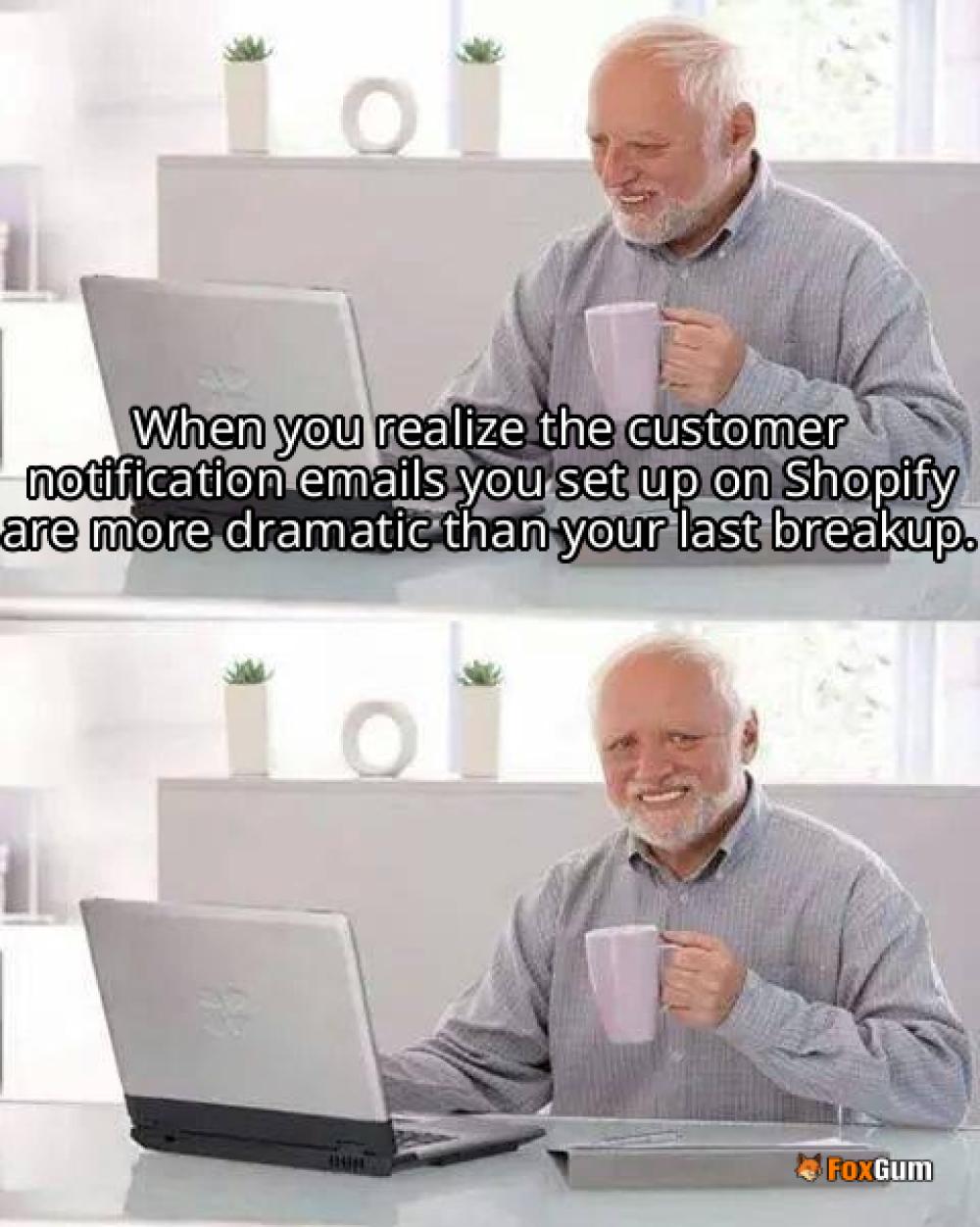
Customer Notifications on Shopify: The Lowdown
So, you’ve got your Shopify store up and running, and you’re ready to make it rain 💸. But wait! Are your customers getting the notifications they need? Because if not, you might as well be throwing money into the wind! 🌬️💨 Let’s break down the essentials of customer notifications on Shopify and how to keep your clientele in the loop without losing your mind! 🤯
What Are Customer Notifications?
Customer notifications are like your store’s way of sending love notes 📩 to shoppers. They keep customers informed about their orders, shipping, and account events. You know, the stuff that makes them feel warm and fuzzy inside! 💖
Types of Notifications You Can Customize
- Email Notifications: These are your bread and butter. You can customize email templates using Liquid variables to include dynamic order and customer information. So, whether it’s a thank you for their order or a “Hey, your package is on the way!” email, you can jazz it up with your logo and brand colors! 🎨
- SMS Notifications: Text message order confirmations for customers who provide their phone numbers at checkout. Because let’s be real, who doesn’t love a good text? 📱
- Exchange Notifications: Automated emails for return and exchange workflows when customers request exchanges. It’s like a superhero swooping in to save the day! 🦸♂️
- Conversation Notifications: When a customer starts a conversation, or reopens an old one, you can shoot them a quick notification. It’s like saying, “Hey, we’re here for you!” without being too clingy! 😅
Why Are Notifications Important?
Think of notifications as your store’s communication lifeline. They keep customers engaged and informed, which can lead to increased trust and loyalty. Plus, who doesn’t want to feel like a VIP? 🤩
How to Set Up Customer Notifications
Getting started is easier than finding a cat video on the internet. Just follow these steps:
- Go to your Shopify admin panel.
- Click on Settings and then Notifications.
- Choose the notification type you want to customize.
- Use Liquid variables to personalize your messages.
- Hit save, and voilà! You’re all set! 🎉
Final Thoughts
In the world of e-commerce, keeping your customers informed is key! With Shopify’s customizable customer notifications, you can ensure that your shoppers are always in the loop. So go ahead, sprinkle some notification magic on your store and watch those sales soar! 🚀
 zane
zane 
































 How Much Is a Liberty Pass Card
 Health
  Fitness
  Lifestyle
  Tech
Tech  Travel
  Food
Food  Education
  Parenting
  Career & Work
  Hobbies
  Wellness
  Beauty
  Cars
Cars  Art
Art  Science
  Culture
  Books
Books  Music
Music  Movies
  Gaming
  Sports
  Nature
  Home & Garden
  Business & Finance
  Relationships
  Pets
Pets  Shopping
  Mindset & Inspiration
  Environment
  Gadgets
  Politics