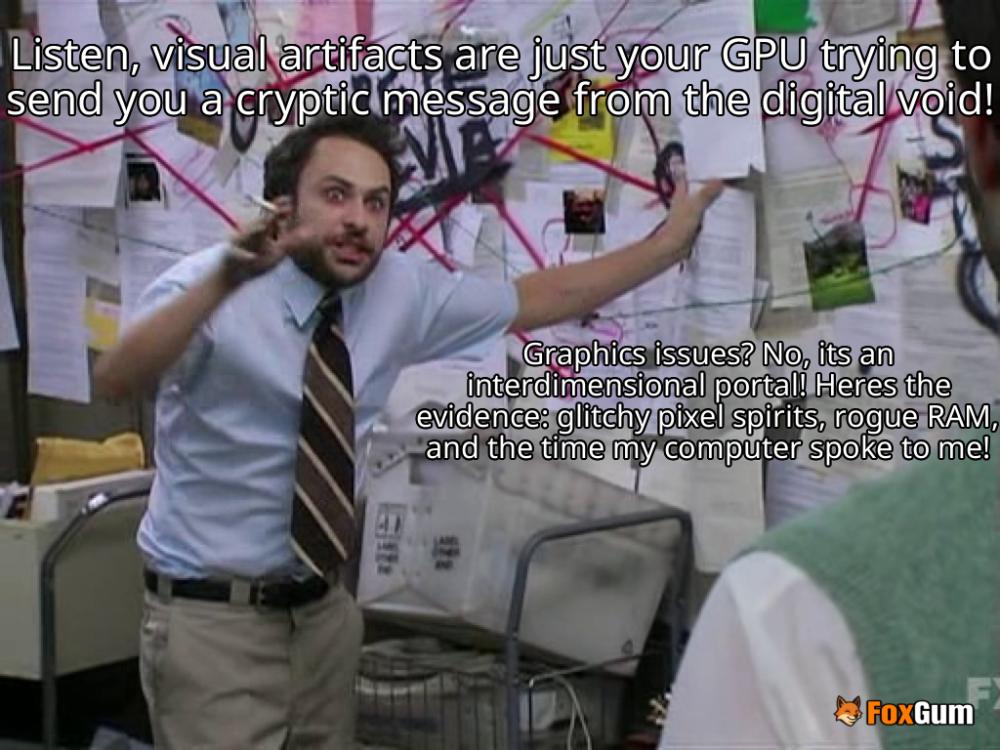
What Are Visual Artifacts?
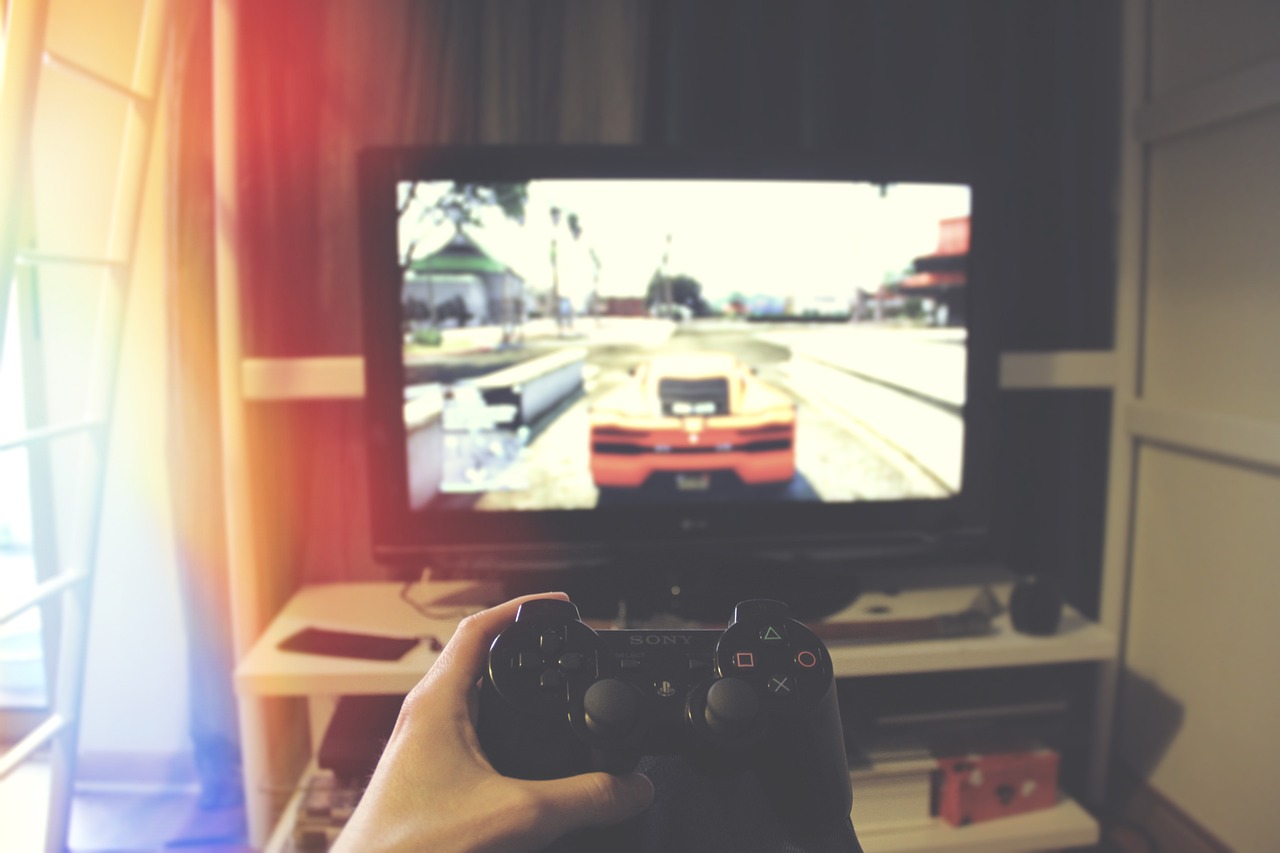
Picture this: you're about to dive into an epic gaming session, your snacks are ready, and the couch is perfectly molded to your buttocks. But wait! Your screen starts looking like a Picasso painting gone wrong! 🎨 This, my friends, is the world of visual artifacts. These pesky little gremlins can turn your crisp graphics into a jumbled mess. So, what causes these visual hiccups, and how can you tackle them like a pro? Let's break it down!
Common Causes of Visual Artifacts
Visual artifacts can be a real party pooper. Here are some common culprits that might be crashing your graphic fiesta:
- Temperature Troubles: If your cooling fan is slacking off, your graphics card might be sweating bullets! Overheating can lead to all sorts of visual chaos. 🔥
- Driver Drama: Sometimes, it’s not you, it’s them! Unsuitable video card drivers can make your graphics card feel like it’s trying to dance to the wrong beat. 🕺
- Overclocking Overload: Pushing your graphics card beyond its limits is like asking a cat to swim. Spoiler alert: it won’t end well. 😼
- Software Shenanigans: Bugs in your application or operating system can turn your screen into a pixelated nightmare. 🐞
- Scheduled Tasks Gone Wild: If you're running too many tasks at once, it could lead to visual artifacting. It’s like trying to juggle flaming torches while riding a unicycle—just don’t!
How to Fix Visual Artifacts
Don't panic! There are ways to restore order to your visual universe. Here are some handy tips to troubleshoot those pesky artifacts:
- Cool It Down: Ensure your cooling fans are working properly. Dust them off and make sure your PC has plenty of airflow. Your graphics card will thank you! 💨
- Update Your Drivers: Check for updates to your video card drivers. It’s like giving your graphics card a fresh haircut—it’ll look sharp and ready to go! ✂️
- Dial Down the Overclocking: If you’ve overclocked your graphics card, consider toning it down a notch. Your card isn’t a race car; it doesn’t need to be driven at max speed all the time! 🚗💨
- Check for Software Updates: Make sure your applications and operating systems are up to date. Developers love to squash bugs, and you should too! 🐛
- Limit Background Tasks: Close any unnecessary programs running in the background. Your computer will appreciate the less cluttered workspace. 🧹
Conclusion
Visual artifacts can be annoying, but with a little troubleshooting, you can get back to enjoying your favorite games or movies without the distraction of pixelated chaos. Remember, your graphics card is like a diva—it needs the right conditions to shine! So, keep it cool, updated, and happy, and you’ll be golden! 🌟
 jen.luvs.pizza












 Adrenaline Rush: Understanding the Body's Response

 Health
 Fitness
 Lifestyle
 Tech
 Travel
 Food
 Education
 Parenting
 Career & Work
 Hobbies
 Wellness
 Beauty
 Cars
 Art
 Science
 Culture
 Books
 Music
 Movies
 Gaming
 Sports
 Nature
 Home & Garden
 Business & Finance
 Relationships
 Pets
 Shopping
 Mindset & Inspiration
 Environment
 Gadgets
 Politics