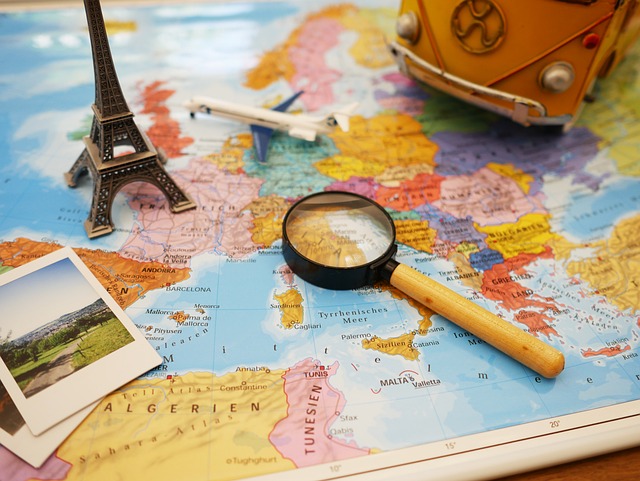
Trip Planning With Google Maps
Introduction
Planning a trip can be an exciting yet daunting task. With numerous destinations, accommodations, and activities to consider, having a reliable tool can make the process smoother. Google Maps is one such tool that can significantly enhance your travel planning experience. This article explores how to effectively utilize Google Maps for trip planning.
Getting Started with Google Maps
To begin, it is essential to familiarize yourself with the basic features of Google Maps. The platform allows users to search for locations, view maps, and get directions. Additionally, it provides information about nearby attractions, restaurants, and accommodations, which can be beneficial when planning your itinerary.
Creating a Custom Map
One of the most useful features of Google Maps is the ability to create custom maps. This allows travelers to organize their trip visually. Here’s how to create a custom map:
- Open Google Maps: Access Google Maps on your computer or mobile device.
- Sign in: Ensure you are signed in to your Google account to save your map.
- Create a new map: Click on the menu icon and select “Your places.” Then, navigate to the “Maps” tab and choose “Create Map.”
- Add locations: Use the search bar to find places you want to visit. You can add them to your map by clicking “Add to map.”
- Customize: You can change the color and icon of each location to categorize them, such as restaurants, attractions, or accommodations.
This custom map can be accessed on your smartphone, making it easy to navigate while on the go.
Planning Your Itinerary
Once you have created your custom map, the next step is to plan your itinerary. Google Maps can assist in determining the best route and estimating travel times between locations. Here are some tips:
- Group nearby attractions: When planning your day, try to group attractions that are close to each other. This minimizes travel time and maximizes your experience.
- Check opening hours: Before finalizing your itinerary, verify the opening hours of each location to avoid any disappointments.
- Consider transportation options: Google Maps provides various transportation modes, including walking, driving, and public transit. Choose the one that best fits your travel style.
Using Google Maps for Navigation
During your trip, Google Maps serves as an excellent navigation tool. Here are some features to take advantage of:
- Real-time traffic updates: Google Maps provides real-time traffic information, helping you avoid congested areas and find the quickest routes.
- Offline maps: If you anticipate being in an area with limited internet access, you can download maps for offline use. This ensures you can navigate without relying on data.
- Explore local businesses: While navigating, you can discover nearby restaurants, shops, and attractions. This feature can enhance your travel experience by allowing you to explore local culture.
Safety and Accessibility Features
Safety is a crucial aspect of travel planning. Google Maps includes features that can enhance your safety while exploring new areas:
- Location sharing: You can share your real-time location with friends or family, ensuring someone knows where you are during your travels.
- Accessibility information: Google Maps provides information on wheelchair-accessible routes and locations, making it easier for travelers with mobility challenges to plan their trips.
Conclusion
Google Maps is a versatile tool that can significantly improve your trip planning experience. By creating custom maps, planning itineraries, and utilizing navigation features, travelers can enhance their journeys. Whether you are a seasoned traveler or planning your first trip, Google Maps can help you navigate the complexities of travel planning with ease.



















 Glaciers and Their Melting
 Health
  Fitness
  Lifestyle
  Tech
Tech  Travel
  Food
Food  Education
  Parenting
  Career & Work
  Hobbies
  Wellness
  Beauty
  Cars
Cars  Art
Art  Science
  Culture
  Books
Books  Music
Music  Movies
  Gaming
  Sports
  Nature
  Home & Garden
  Business & Finance
  Relationships
  Pets
Pets  Shopping
  Mindset & Inspiration
  Environment
  Gadgets
  Politics