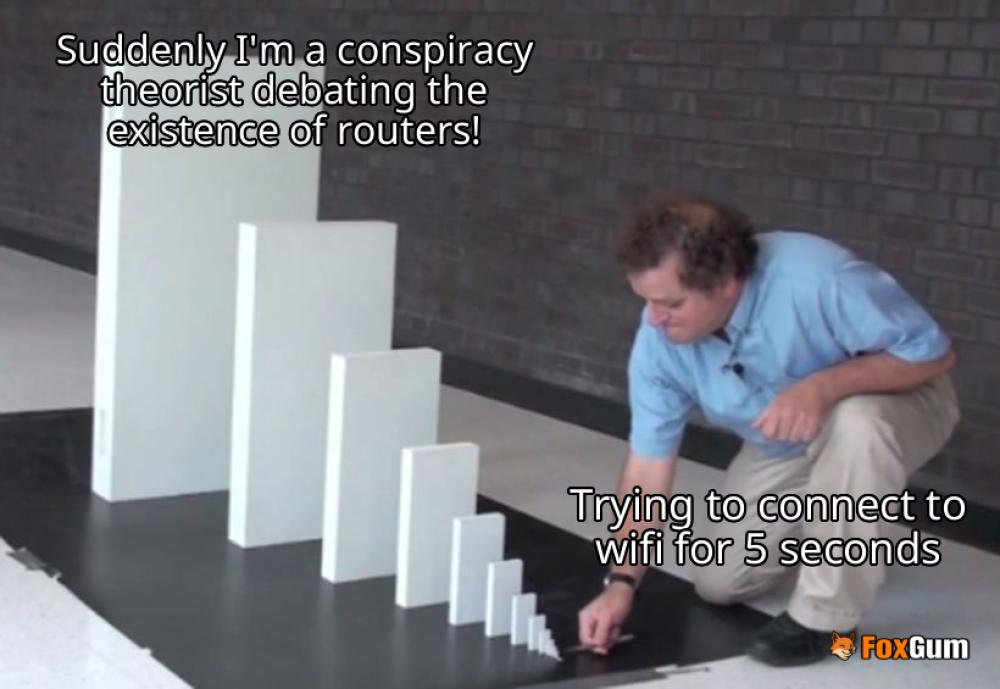
What's Up with My Wifi Authentication Problem? 🤔
So, you’re all set to binge-watch your favorite show, and suddenly, your device hits you with the dreaded authentication error. Ugh! 😩 What does that even mean? Did your wifi just ghost you? Fear not, fellow internet explorer! Let’s break down this techy puzzle and get you back online faster than you can say “buffering.” 🎉
Why Does This Happen? 🤷♂️
First off, let’s get real. Wifi authentication problems can happen for a bunch of reasons. Here are the top culprits:
- Wrong Password: Double-check that you’re entering the right password. You’d be surprised how many people mix up their “password123” with “password1234.” 🙈
- Network Glitches: Sometimes, your router just needs a little nap. Restart it! It’s like giving it a spa day. 🧖♂️
- Outdated Firmware: If your router hasn’t been updated since the last time you tried to connect to dial-up, it might be time for an upgrade. 🥴
- Device Confusion: Your device might be confused if it’s been connecting to multiple networks. Forget the network and reconnect. It’s like clearing your browser history but for your wifi! 🔄
How to Fix It? 🔧
Now that we’ve diagnosed the problem, let’s get into the nitty-gritty of fixing it. Here’s a step-by-step guide to get your wifi back on track:
- Check Your Password: Seriously, do a double-check. Maybe it’s time to write it down or use a password manager. 📝
- Restart Your Router: Unplug it, count to ten, and plug it back in. Voila! Magic! ✨
- Update Firmware: Log in to your router settings and see if there are any updates available. If you’re unsure how to do this, just Google it—your best friend in tech emergencies! 💻
- Forget and Reconnect: On your device, go to the wifi settings, forget the network, and reconnect. It’s like giving your device a fresh start. ☀️
When All Else Fails… 😱
If you’ve tried everything and still can’t connect, it might be time to call in the big guns—your internet service provider. They can help troubleshoot the issue or let you know if there’s an outage in your area. And if all else fails, it’s a great excuse to go outside, right? Just kidding! Who wants to do that? 🌳
In conclusion, wifi authentication problems can be annoying, but they’re usually fixable with a little patience and some tech-savvy moves. Now go forth and conquer that internet connection! 💪
 tyler_knox






















 Syd Barrett Pink Floyd
 Health
  Fitness
  Lifestyle
  Tech
Tech  Travel
  Food
Food  Education
  Parenting
  Career & Work
  Hobbies
  Wellness
  Beauty
  Cars
Cars  Art
Art  Science
  Culture
  Books
Books  Music
Music  Movies
  Gaming
  Sports
  Nature
  Home & Garden
  Business & Finance
  Relationships
  Pets
Pets  Shopping
  Mindset & Inspiration
  Environment
  Gadgets
  Politics